The problem it solves
A fleet of thirty machines capturing every five minutes produces thousands of images a day. Nobody reviews that. Computer vision flips the logic: instead of someone looking at everything, the AI looks at everything and points at what departs from the agreement.
What the AI extracts from a capture
- The general content of the screen, as text, for later search.
- The programs and windows in focus at the moment of the capture.
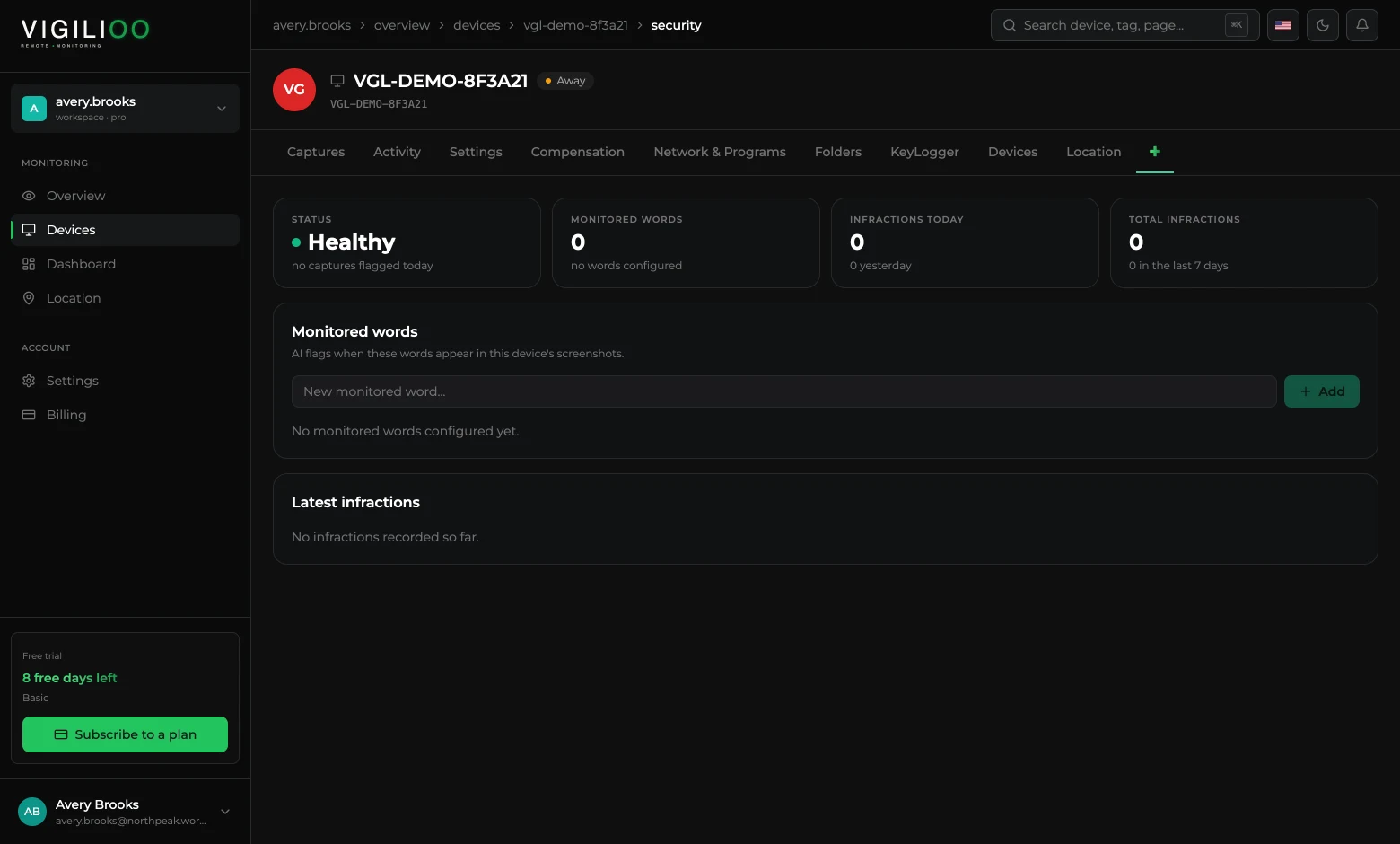
- Any occurrence of words the company registered as watched.
When a watched word shows up, the capture is marked as an infraction and starts counting towards the security indicators — of the device and of the account.
How to enable and configure
- 1In the device's Settings tab, turn on AI analysis, in the 04 · Security block.
- 2In the account Settings, open Global Security and register the words that must be watched.
- 3Follow the occurrences in Latest infractions, in the same place.
AI analysis depends on the contracted plan. If the option is not available in your account, the sales team confirms which plan includes it.
Frequently asked questions
- Do captures leave the platform to be analysed?
- Analysis happens inside the platform flow, over the image already stored. What is kept as a result is the structured reading and the infraction mark, not an extra copy of the screen.
- Does the AI decide on punishment?
- No. It flags. Reading the context and any decision about the person remain with the manager.
Up next
Writing analysis
What the AI does with the text typed on the device: identifies sensitive subjects, flags watched words and spares manual reading.
Keep reading